
WordPress Security for Small Businesses: The Complete 2026 Guide
Estimated reading time: 8–10 minutes
Over 40,000 WordPress sites are attacked every minute, and small businesses are among the most frequent targets, not because hackers care about your business specifically, but because outdated plugins and weak passwords make small sites easy, automated wins. If your website goes down, gets flagged by Google, or starts serving malware to your visitors, the damage isn't just technical. It's lost revenue, lost trust, and hours of cleanup you don't have time for.
This guide walks you through exactly why WordPress security matters, the real risks small business sites face, and ten practical steps you can take today to lock things down, whether you manage your site yourself or work with a team like Le Studio WebDesign to handle it for you.
What You'll Learn
In just a few minutes, you'll discover how to:
- Protect your WordPress website from hackers and malware.
- Avoid the most common security mistakes small businesses make.
- Keep your website online with backups and proactive monitoring.
- Recognize the early warning signs of a security breach.
- Decide whether DIY security is enough or if a maintenance plan is the better investment.
Why WordPress Security Matters for Small Businesseste
A security breach doesn't just mean an inconvenient popup or a strange redirect. For a small business, it can mean days of downtime, a damaged reputation, and in some cases, permanent loss of customer trust.
The Real Cost of a Hacked Website (Downtime, Trust, Revenue)
When a WordPress site is compromised, the first casualty is usually uptime. Search engines like Google actively flag infected sites with warning labels, which can cut off organic traffic overnight. Recovering from a blacklist status can take days or weeks, even after the malware itself is removed.
Beyond downtime, there's the trust factor. Customers who land on a hacked or malware-flagged site rarely come back, even after it's fixed. For local service businesses that depend on their website for bookings, quote requests, or first impressions, that lost trust often translates directly into lost revenue.
It's worth noting that security and performance are closely linked. A site that's already running slow gives visitors one more reason to bounce before they even find out it's compromised. If load times are a concern independent of security, our website speed optimization tips cover the fixes that make the biggest difference.
Don't Wait for a Breach to Take Security Seriously A single hacked site can cost you days of downtime and customers who never come back. Let Le Studio WebDesign review your current setup and close the gaps before an attacker finds them.
Why Small Businesses Are Common Targets
Small business owners often assume they're "too small" to be a target. In reality, most WordPress attacks aren't personal, they're automated bots scanning the web for known vulnerabilities in outdated plugins, themes, or WordPress core files. A small business running an unpatched plugin is just as vulnerable as a large enterprise, but typically has far fewer resources to detect and respond to an attack quickly.
According to the Canadian Internet Registration Authority's cybersecurity research, small and mid-sized organizations across Canada report a significant and growing share of cyber incidents each year, underscoring that this isn't a risk unique to large enterprises.
Is WordPress Safe? Understanding the Real Risks
WordPress itself is a secure, actively maintained platform that powers over 40% of websites worldwide. The security risks that affect small business sites almost always come from what's added on top of WordPress core, plugins, themes, and configuration choices, not from WordPress itself.
Core WordPress vs. Plugin & Theme Vulnerabilities
WordPress core is updated regularly and monitored by a large security research community, making it relatively low-risk when kept up to date. Plugins and themes, especially free or abandoned ones, are a different story. A significant share of WordPress security incidents can be traced back to outdated or poorly coded third-party plugins rather than WordPress itself.
Common Attack Types (Brute Force, Malware, SQL Injection, XSS)
The most frequent threats facing small business WordPress sites include:
- Brute force attacks — automated bots repeatedly guessing login credentials
- Malware injection — malicious code inserted through vulnerable plugins or file uploads
- SQL injection — attackers manipulating database queries to access or corrupt site data
- Cross-site scripting (XSS) — injecting malicious scripts that run in visitors' browsers
Understanding these categories helps explain why the best practices below focus heavily on access control, updates, and monitoring. For a broader look at how these threats are tracked and classified nationally, the Canadian Centre for Cyber Security publishes ongoing guidance for organizations of every size.
10 Essential WordPress Security Best Practices
1. Keep WordPress Core, Themes, and Plugins Updated: Outdated software is the single most common entry point for attackers. Enable automatic updates where possible, and review plugin and theme updates at least weekly if auto-updates aren't turned on. If you want a full breakdown of how update cycles work alongside backup schedules, see our guide on backups and updates explained.
2. Use Strong Passwords and Two-Factor Authentication: Weak, reused passwords are an open door for brute force attacks. Require strong, unique passwords for every admin account, and enable two-factor authentication (2FA) so a stolen password alone isn't enough to log in.
3. Choose a Secure, Reputable Hosting Provider: Your hosting environment matters as much as your WordPress configuration. Look for hosts that offer server-level firewalls, malware scanning, isolated environments, and regular server software updates. Our guide to reliable web hosting in Canada covers exactly what to look for before you commit to a provider.
4. Install a WordPress Security Plugin (Wordfence, Sucuri, etc.): A dedicated security plugin adds a critical layer of protection: firewall rules, malware scanning, login attempt monitoring, and real-time alerts. Popular, well-maintained options include Wordfence and Sucuri.
5. Enable Automated Backups Backups: won't prevent an attack, but they're what turns a disaster into a minor inconvenience. Set up automated daily backups stored off-site (not just on your hosting server), so you can restore your site quickly if something goes wrong.
6. Use an SSL Certificate (HTTPS): An SSL certificate encrypts data between your site and your visitors, protecting sensitive information like login credentials and form submissions. It's also a confirmed Google ranking factor and a baseline trust signal for visitors.
7. Limit Login Attempts and Hide the Login Page: Restricting the number of failed login attempts blocks brute force bots before they can guess their way in. Moving your login page off the default /wp-admin URL adds an extra layer of obscurity against automated attacks.
8. Set Proper User Roles and Permissions: Not everyone who touches your site needs admin access. Assign the minimum role necessary for each user (Editor, Author, Contributor) and regularly audit who has access, especially after a team member or contractor stops working with you.
9. Add a Web Application Firewall (WAF): A WAF filters malicious traffic before it ever reaches your site, blocking common attack patterns like SQL injection and XSS attempts in real time. This can be added through your security plugin or at the hosting/CDN level.
10. Schedule Regular Security Audits: Security isn't a set-it-and-forget-it task. Schedule a recurring audit, monthly or quarterly, to review installed plugins, user accounts, backup integrity, and any flagged vulnerabilities.
That's a Lot to Manage on Your Own Ten best practices is a lot to juggle when you're also running a business. Our team can implement and monitor all of it for you, so nothing slips through the cracks.
How to Tell If Your WordPress Site Has Been Hacked
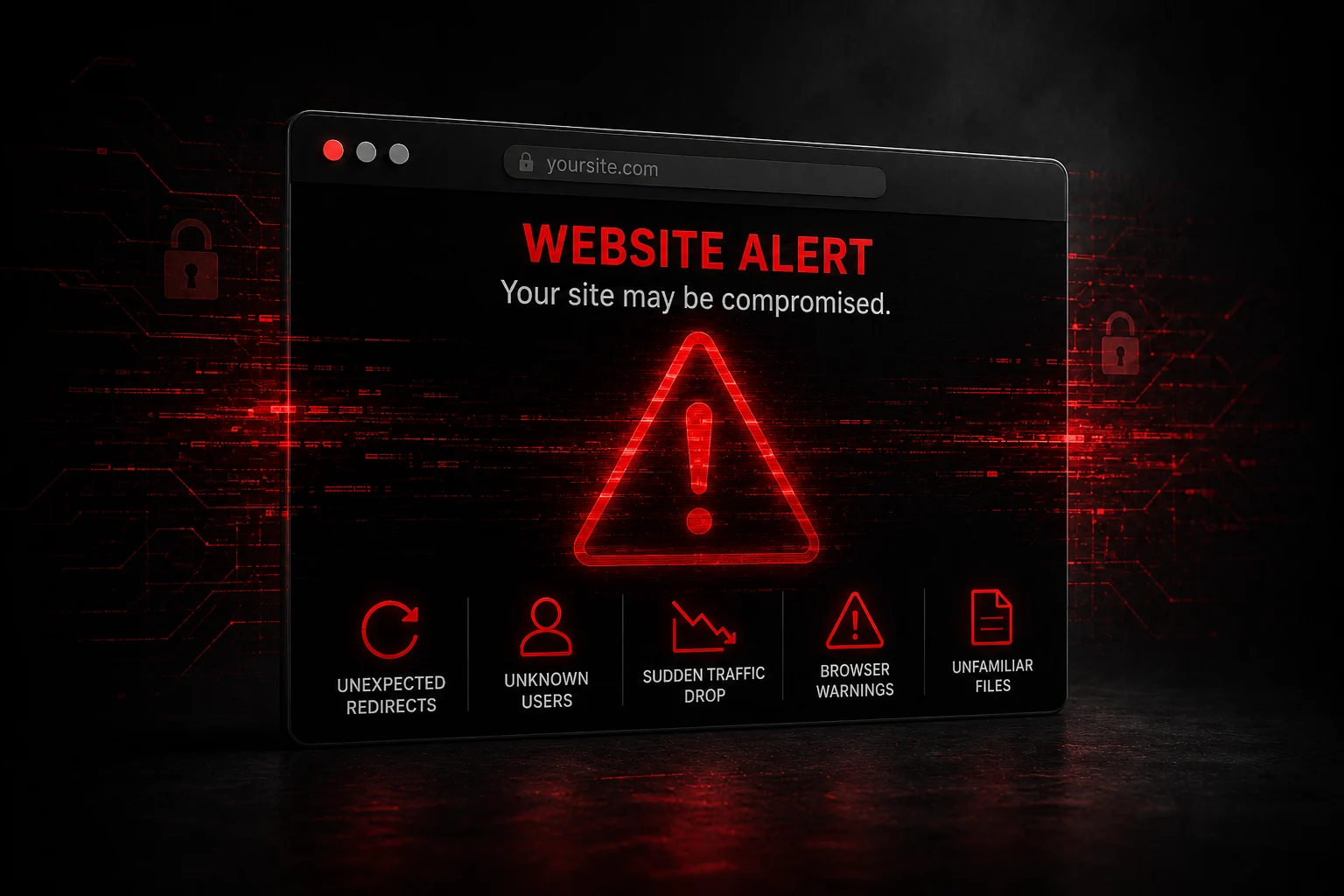
Warning Signs to Watch For
Common red flags include unexpected redirects to unfamiliar sites, unfamiliar admin users you didn't create, a sudden drop in search traffic, browser warnings when visitors land on your site, or unfamiliar files appearing in your hosting file manager.
What to Do Immediately If You're Compromised
If you suspect your site has been hacked, restore from your most recent clean backup, change all passwords and API keys immediately, scan for and remove malicious files, and request a review from Google Search Console once the site is clean. If you don't have a clean backup or aren't confident handling malware removal, this is the point where bringing in a professional is worth the cost.
Already Seeing Warning Signs? If your site is showing signs of a breach, every hour matters. Contact Le Studio WebDesign for a fast assessment and help getting your site clean, secure, and back online.
WordPress Security Checklist
Task | Frequency | Priority |
Update WordPress core | As released | High |
Update plugins & themes | Weekly | High |
Change admin passwords | Every 90 days | High |
Enable 2FA | Once (verify periodically) | High |
Run automated backups | Daily | High |
Review user accounts/roles | Monthly | Medium |
Run malware scan | Weekly | Medium |
Full security audit | Quarterly | Medium |
Review hosting security settings | Quarterly | Low |
DIY Security vs. Professional Maintenance Plans
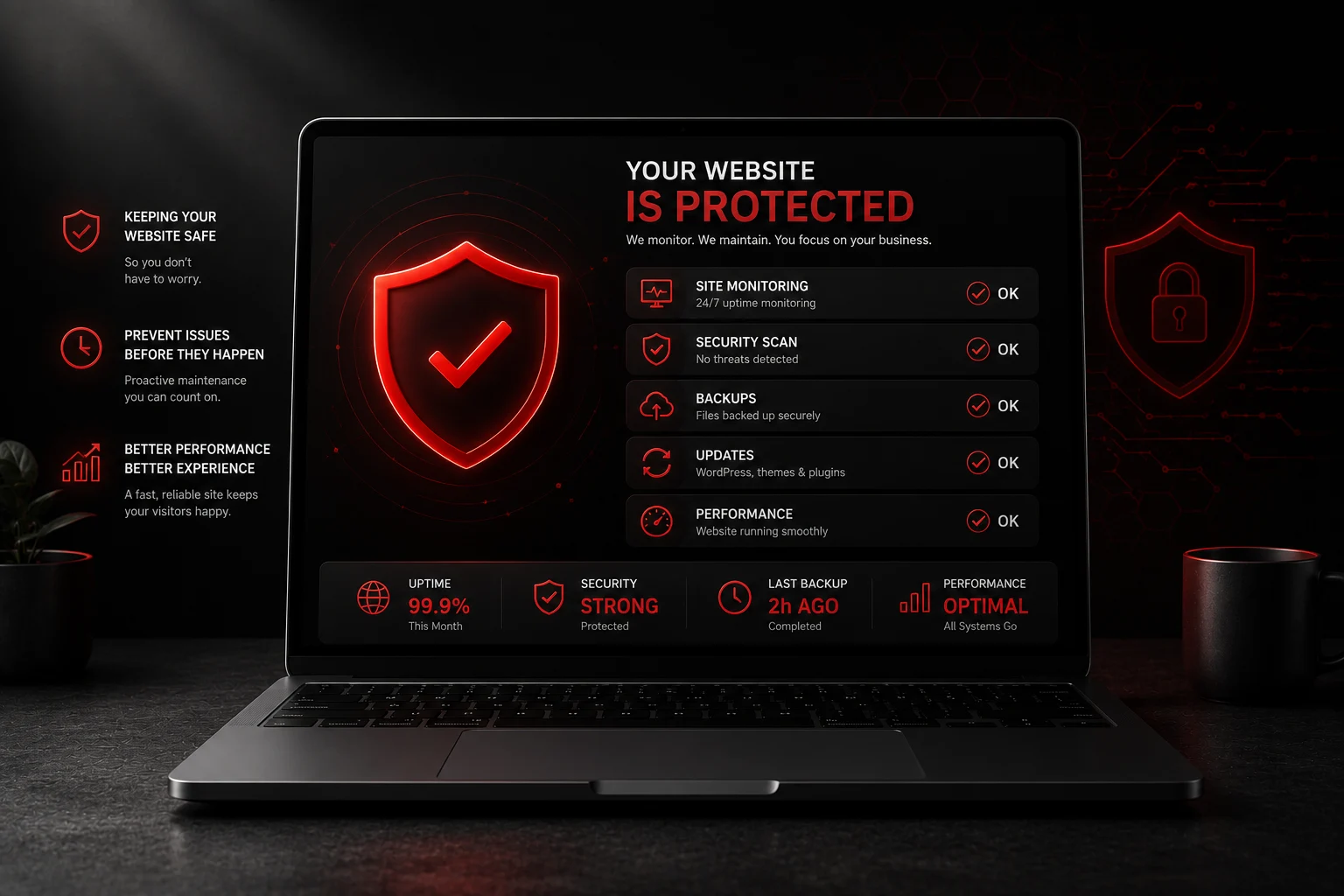
When It Makes Sense to Hire a WordPress Maintenance Service
If you don't have the time to monitor updates, backups, and security alerts consistently, a maintenance plan removes that burden. This is especially worth considering if your site handles bookings, payments, or customer data, where downtime or a breach has a direct financial impact. Pairing a solid maintenance plan with the best WordPress hosting in Ottawa gives your site a security foundation at both the server and application level.
For businesses in the Ottawa area specifically, the Ottawa Board of Trade offers small business resources worth reviewing alongside your website's technical security, since digital risk is increasingly part of general business risk management.
Protecting Your Small Business Website Long-Term
WordPress security isn't a one-time setup, it's an ongoing habit. The businesses that avoid costly breaches are the ones that treat updates, backups, and monitoring as routine maintenance, not an afterthought.
Make Security Someone Else's Job Le Studio's Hosting & Maintenance plans handle updates, backups, monitoring, and threat response continuously, so your site stays protected while you focus on running your business.
Frequently Asked Questions
How much does WordPress security cost?
Costs vary widely, from free plugin-based protection to professional maintenance plans that typically range from modest monthly fees to higher-tier packages depending on the level of monitoring, backups, and support included.
Do I really need a security plugin if I have good hosting?
Yes. Good hosting protects the server level, but a security plugin protects the application level, monitoring logins, scanning for malware, and managing firewall rules specific to your WordPress installation.
How often should I update WordPress?
Core updates should be applied as soon as they're released, especially security patches. Plugins and themes should be reviewed and updated at least weekly.
Can a hacked WordPress site hurt my SEO rankings?
Yes. Google actively flags compromised sites, which can lead to warning labels in search results, removal from search results entirely, and a significant drop in organic traffic until the issue is resolved.
What's the difference between a firewall and a security plugin?
A firewall filters malicious traffic before it reaches your site, while a security plugin typically combines firewall functionality with malware scanning, login monitoring, and alerting in one tool.