
How to Create a Bilingual Website for Your Ottawa Business
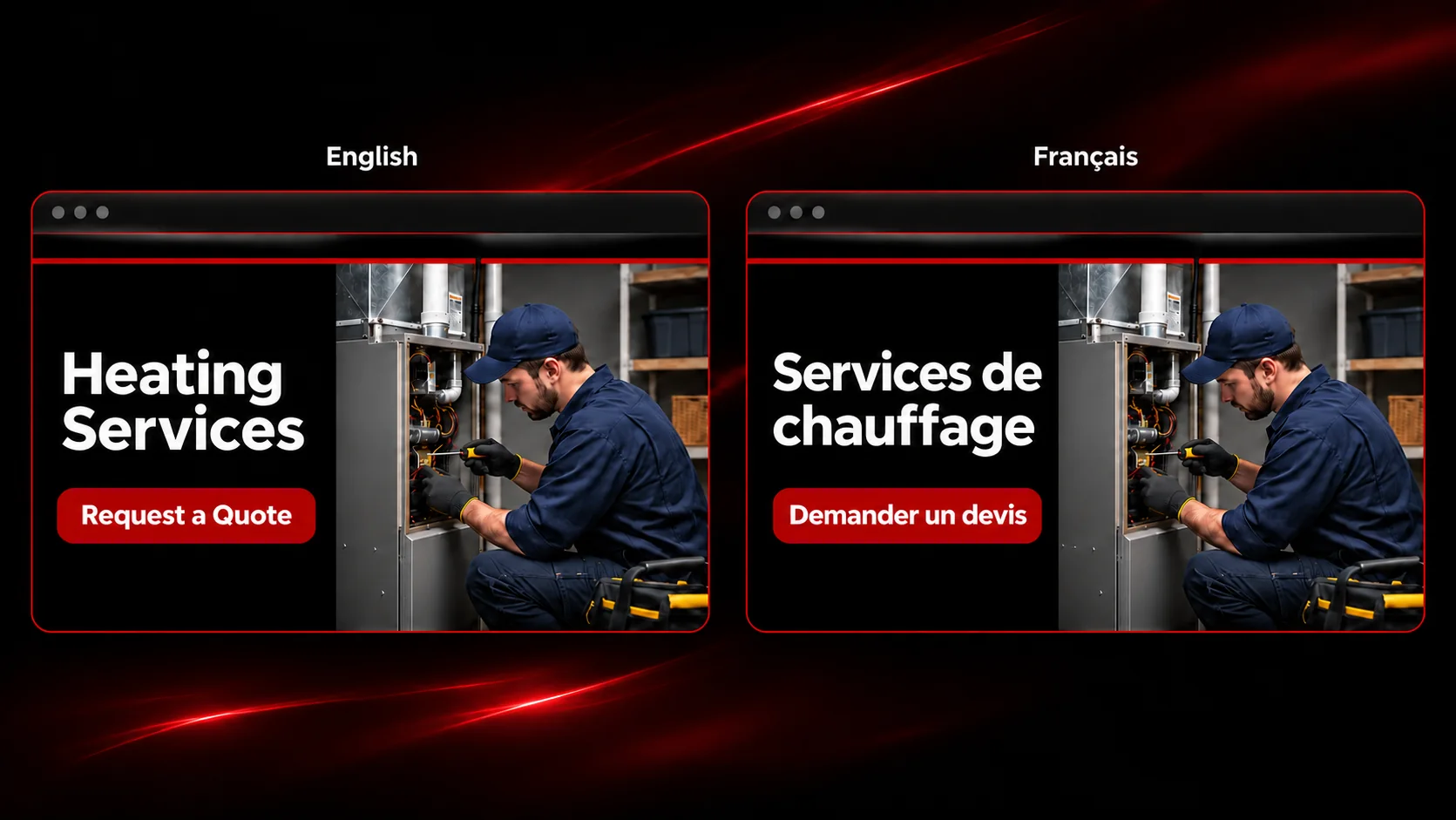
If you’re creating a bilingual website for your Ottawa business, start with what customers need to do in each language. Can they find the right service, check whether you serve their area, and request a quote in English or French? Those steps tell you which pages to prepare first and what to test before launch.
To create a bilingual website, map your English and French pages, prepare and review both versions, give each language its own page URLs, and test the full customer journey in both languages. This guide includes a sample page map and a pre-launch checklist you can share with your web designer.
If you’re still deciding whether to offer both languages, read why a bilingual website can help Canadian businesses.
Key Takeaways
- Start with the English and French pages customers need to find a service and request a quote.
- Assign a French copy reviewer and include forms, error messages, and confirmation emails in the review.
- Give each language its own URL and make the language switcher open the matching page.
- Before launch, submit a test quote request in both languages on mobile and desktop.
Decide Which Pages You Need in English and French
Start with the pages people use to decide whether to contact you. For a local service business, that usually includes the homepage, main service pages, and contact or quote page. Add pricing, service-area information, and FAQs if customers rely on those details before getting in touch.
If you already have a website, use Google Search Console to see which pages bring visitors in from Google. Ask your team which questions come up before a customer books or requests a quote. Together, that information can help you choose what to translate first.
Bilingual Website Example for an Ottawa Service Business
Here’s a sample page map for a fictional Ottawa heating and cooling business. Use the same format to match the English and French pages on your own site.
English page | French page | What the customer can do |
Home | Accueil | See what the business does and where it works |
Heating Services | Services de chauffage | Check what heating work is offered |
Air Conditioning Services | Services de climatisation | Find installation or repair options |
Service Areas | Zones desservies | Check whether the business serves their area |
Request a Quote | Demander un devis | Send project details and receive a confirmation |
If your French homepage is ready before the rest of the site, complete at least one full path from a service page to a working French contact or quote form. A customer who lands on that service page should be able to finish the request in French.
Prepare and Review the Content in Both Languages
Give each page a named reviewer and keep the English and French copy together in one shared document or spreadsheet. Share your service names, preferred terminology, and the questions customers typically ask. A fluent French reviewer familiar with your services can check that the copy sounds natural and describes the same offer.
Include the small pieces of text people see when they take action.
- Menu labels, buttons, and links
- Form fields, required-field messages, and error messages
- Confirmation pages and automatic emails
- PDFs and booking instructions linked from important pages
For example, if the English quote button says Request a Quote, its French equivalent could say Demander un devis. The form that opens, the message after submission, and any automatic email should follow the customer’s language choice.
Decide who will update both versions after launch. When your hours, pricing, or service areas change, that person can check the matching page at the same time.
Set Up Page URLs and the Language Switcher
If your site runs on WordPress, choose a multilingual setup that lets your team edit each language version, connect matching pages, and manage menus and forms in both languages. Ask your designer to show you how to update one service page in English and French before the site goes live.
Give each language version its own URL. One possible setup is /en/heating-services/ for English and /fr/services-de-chauffage/ for French. If you’re adding French to an existing English site, your designer can review whether the current English URLs can stay in place. If any URLs change, include redirects in the launch plan.
Use visible English and Français labels in the navigation and check how they display on mobile. When a French version exists, the switcher should take visitors directly to the matching page. Someone viewing Heating Services should land on Services de chauffage when they switch to French.

Try our language switcher in the top menu. On the English site, select the French flag next to Contact Us to switch to French.
Plan SEO for the English and French Pages
Write each page title, meta description, and main heading in the language of that page. Use the terms your customers use to describe the service. For example, furnace repair Ottawa and réparation de fournaise à Ottawa are phrases an HVAC business could research for the same service. Use neighbourhood and city names where they help customers confirm your service area.
Ask your web designer to verify the following.
- Each English and French page you want in search results can be indexed.
- hreflang connects the matching language versions.
- Internal links lead to the corresponding service and contact pages in the visitor’s language.
- The XML sitemap includes the live pages you want Google to discover.
If you’re rebuilding an existing site while adding a second language, use this website redesign checklist for small businesses to plan the rest of the redesign.
For help reaching customers in both languages, explore our SEO services in Ottawa.
Test the Quote or Contact Form in Both Languages
Test the site the way a customer would. On your phone, open a service page directly, switch languages, and submit a test request. Repeat the process in both languages and on desktop.
Check what happens when a customer leaves a required field blank. Then complete the form and confirm that the success message uses the correct language, the request reaches your team, and any automatic reply explains what happens next.
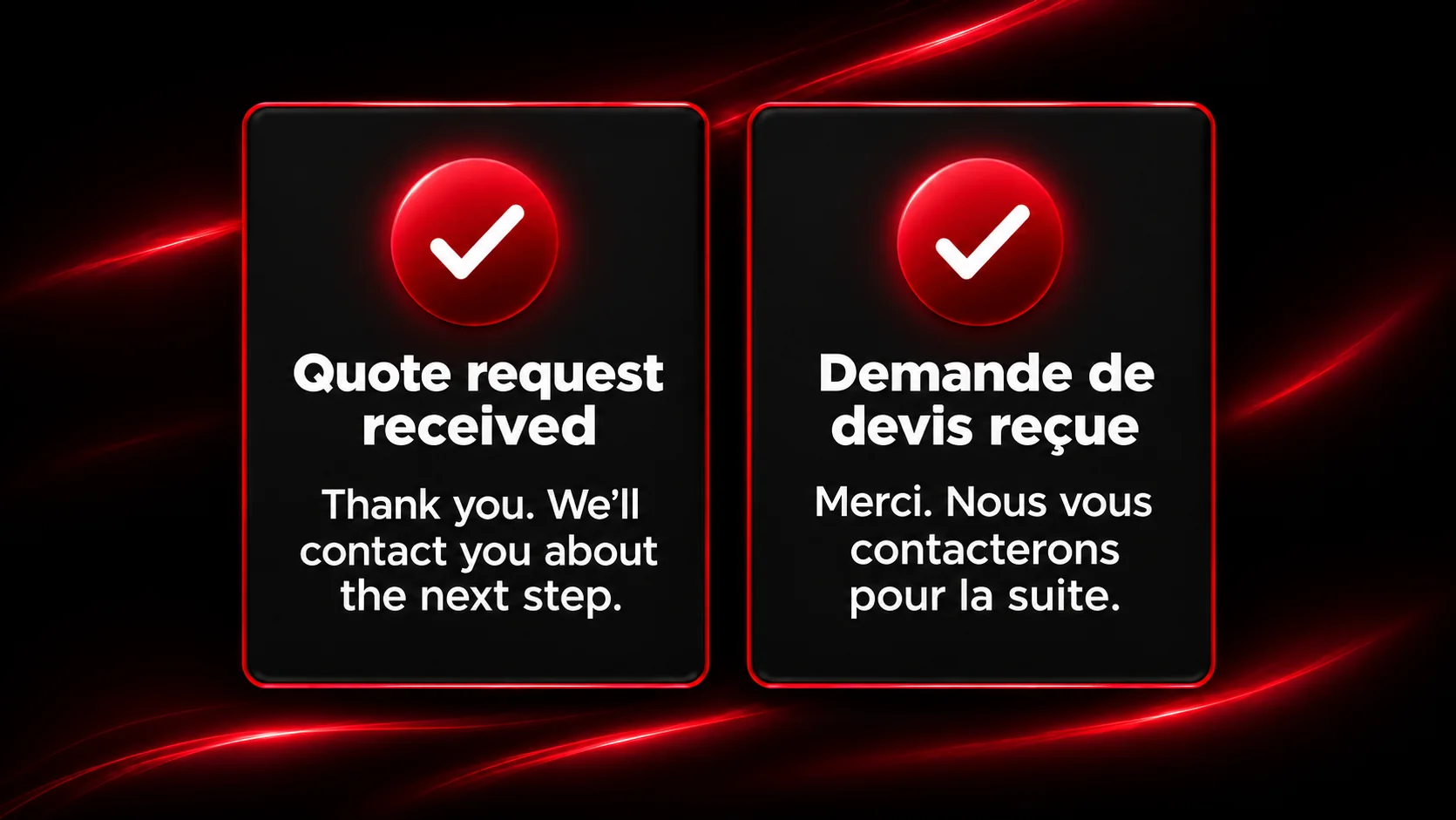
Keep the form focused on the information your team needs to respond. For a simple service request, that might be the customer’s name, contact information, and a short description of the job. Near the form or quote button, explain what your team will do with the information. For example, “Tell us what you need help with. We’ll review your request and contact you about the next step.”
Bilingual Website Pre-Launch Checklist
Check | Ready when |
Priority pages | The English and French pages are ready for launch, reviewed, and linked to their matching versions. |
Language switcher | It’s easy to find on mobile and desktop and opens the matching page. |
Page content | Menus, buttons, forms, and service details are correct in both languages. |
Search setup | Page titles, indexing settings, hreflang, and the sitemap have been checked. |
Quote or contact request | A test submission in each language reaches your team and shows the right confirmation. |
Ongoing updates | Someone on your team knows how to update both versions when business details change. |
Frequently Asked Questions
Do I Need to Translate Every Page Before Launch?
You can launch with the pages customers need most, provided they can complete a full task in either language. Start with the homepage, priority services, and contact or quote process. Add other pages based on what customers ask for and which pages they visit.
Can I Add French to My Existing WordPress Website?
Yes. Start by reviewing how your current theme, forms, and plugins handle multiple languages. Then map the English pages to their planned French versions. If your English pages already bring in traffic, ask your designer to review those URLs before making structural changes.
Should English and French Pages Use the Same Keywords?
Each language version should use the wording its audience searches for. Research the service in English and French, then use the most relevant terms naturally in each page’s title, headings, and copy.
Need Help Building Your Bilingual Website?
At Le Studio WebDesign, we help Ottawa businesses plan and build English–French websites. Whether you’re starting from scratch or adding French to your existing site, tell us what you need. We’ll help you decide which pages to prioritize and what to include in your project.
Explore our bilingual website design services in Ottawa.